Tag: ChatGPT

  • How to Block a Website on Different Devices and Browsers

    How to Block a Website on Different Devices and Browsers

    Why Would You Need to Block a Website?

    There are many reasons why you would want or need to block a website. For example;

    Parental Controls: If you have children, some websites contain explicit content that you want to keep them from.

    Increase Productivity: Permanently or temporarily block certain websites to improve your productivity time for studying or working.

    Suspicious Sites: Save yourself from attempts at infecting your computer with a virus or stealing your personal data.

    Which Site-Blocking Method is Right For You?

    Each method of site blocking will vary based on its restriction, the users, and the device you’re using. For example, if you want to block websites temporarily or permanently on an individual device, it’s recommended to install a more configurable program or easy-to-use browser extension.

    If you want to block manually through the host’s file, firewall, or router, it’s a good option if you don’t want to deal with software. However, this method is only suitable if you want to disable access to certain sites permanently.

    If you’re blocking certain sites for multiple users on a single network, you should use either web filtering software, which is normally used by businesses or schools, or block through the router.

    How to Block Websites on Your Browser

    Illustration of the Chrome, Safari, Firefox, and Internet Explorer Web Browser Logos

    Chrome

    1. Log in to your Google Admin Account and go to the Chrome browser homepage.
    2. Click Devices Chrome Settings Users & Browsers.
    3. Choose which users you want to block from visiting certain websites.
    4. Find the URL Blocking section.
    5. Enter the web address you want to block in the Blocked URLs tab.
    6. Save the changes.

    Firefox

    1. In the Options page, select the Privacy & Security tab.
    2.  Scroll down to the Permissions section and click the Block Websites option.
    3. In the Block Websites page, enter the URL of the website that you want to block, and then click the Add button.

    Safari

    1. Go into the Content and Privacy section of Screen Time.
    2. Click Customize to block specific websites. 
    3. Click the “+ under the restricted section to block specific sites.
    4. Add the URL of the site you want to block and click OK.
    5. Select OK again to finalize your decision to block a site.

    Internet Explorer

    1. Open the browser and go to Tools (alt+x) > Internet Options.
    2. Click the Security tab.
    3. Click the red Restricted Sites icon.
    4. Click the Sites button below the icon.
    5. Now in the pop-up, manually type the websites you want to block one by one.
    6. Click Add after typing the name of each site.
    7. When done, click Close and click OK in all other windows.

    Blocking Websites on Your Mobile Device

    When using an Android and or iOS device, you will need to download specific apps to block unwanted websites. Thankfully, most apps can work across multiple browsers! Here are a few examples of apps and their features:

    BlockSite

    StayFocusd

    Parental Controls

    FamiSafe

    AdBlock

    Manually Block Websites on Your Desktop or Laptop

    Illustration of parents and their child in front of a blocked computer screen

    Looking to block a website manually? Here are step-by-step processes for how to block a website on Windows 10, Mac, or with your router.

    Windows 10

    1. Go to the Chrome Web Store
    2. Search for the BlockSite extension, and choose the first one that reads: BlockSite: Block Websites and Stay Focused.
    3. Click Add to Chrome.
    4. Click Add Extension on the prompt window.
    5. Go to the website you would like to block on Chrome and right-click anywhere on the page. Tap on BlockSit” then Block this Site.

    Mac

    1. Click on the Apple icon locked in the top-left corner of the screen and select System Preferences.
    2. Choose Screen Time.
    3. Click Content and Privacy in the left sidebar.
    4. Click Turn On, located in the top-right corner of the window, unless already enabled.
    5. Choose Limit Adult Websites and click Customize.
    6. In the Restricted section, click the plus symbol.
    7. Add the desired URL and click OK.

    Router

    1. Open your web browser and type in the IP address of your router.
    2. Log in to your router’s settings.
    3. Find the website blocking tool in your router’s settings.
    4. Enter the websites that you want to block.
    5. Save your changes and restart your router.

    Parental Controls on Windows 10

    1. Visit family.microsoft.com and log into your Family Safety account.
    2. Choose your family member then scroll down to Content Filters.
    3. Toggle on Filter Inappropriate Websites.
    4. To block specific sites, add their URLs under Blocked Sites.
    5. You can block access to specific sites by turning on the Only use-allowed websites toggle. 
    6. Add URLs of approved websites under Allowed sites.

    Parental Controls on a Mac:

    1. Click the Apple icon and select System Preferences.
    2. Click the Parental Controls icon.
    3. Click the lock symbol and enter your password.
    4. Select the account you want to filter with parental controls.
    5. Click Enable Parental Controls.

    Additional Methods to Block a Website

    Illustration of an increasing graph and gears representing improved productivity

    In addition to the above, there are additional ways to block unwanted websites. Here are some ways to do that.

    Using Browser Extensions: Using specific extensions on your browser helps block certain websites you don’t want other users to visit. For example, BlockSite is a Chrome Extension that helps block web pages and limit adult websites individually or by categories.

    Using Productivity Software: Using these samples will help reclaim your productivity and steer away from potentially dangerous websites; Freedom, Forest, PawBlock, RescueTime, Pause, Focus, etc.

    Leverage Web Filtering Software: These help block unfiltered websites from being accessible on your computer. Examples include WatchGuard.

    Let Our Team Help You Gain Productivity Time

    When working with Reach Marketing Pro, you’ll know your privacy and security always come first. We have the skills you need to strategize, analyze, and curate creative designs for your business, giving you back time to focus on what’s most important!

    Reach out to us today to receive a FREE marketing consultation.

  • How Search Marketers are Using AI to Create Demand

    How Search Marketers are Using AI to Create Demand

    How Do AI-Powered Search Engines Operate?

    Illustration of a robot holding a magnifying glass over a business laptop

    For anyone looking to dive into digital marketing, search engine algorithms aren’t a new concept to learn. An AI search engine collects insights from multiple sources such as search queries, browsing behaviors, social media interactions, and purchase histories. They utilize sophisticated algorithms to analyze any collected data, identify patterns, and generate actionable insights. However, AI marketing has changed more than one may think! Since it’s recognized for making things easier, it helps alleviate the typical effort of interpreting customer preferences from large data sets and provides information that’s reliable. By utilizing it correctly, AI search engine marketing can develop and implement targeted marketing campaigns, optimize customer journeys, and deliver personalized experiences.

    Search Marketer’s Use of AI

    What marketers need to focus on when using AI-powered tools is providing high-quality, user-centric content that appeals to the interests of their target customer base. Additionally, optimizing a company’s user experience can enhance the overall experience for consumer audiences. AI search considers a user’s previous search history, location, and additional factors to provide personalized results, producing a more efficient zero-click search experience.

    Capitalizing on AI-powered search will create content that clearly answers questions, provides efficient solutions to complex problems, and delivers a positive user experience.

    How AI can Help Search Marketers

    Illustration of a man working on his computer getting the help of AI

    AI is different for each business and that should remain top of mind when creating an efficient, customized strategy. Here’s how AI-powered tools can help create a more efficient digital strategy and how they can aid Search Marketers in improving their campaigns:

    Creative Testing: This strategy helps creative teams revise concepts, drop ones that don’t resonate well with target audiences, and identify which ones work the best. This testing can be used to conduct market research before a new product launch.

    Campaign Optimization: This strategy helps boost a company’s visibility and conversation rates, which drives more potential customers in their direction.

    Measurement: Analyzing measurements serve as quantifiable insights to search marketers. When using them correctly, measurements can project the success of an advertising campaign and track toward KPIs.

    Improve Productivity: Productivity is important in AI marketing because it serves as a key contributor to driving unparalleled growth and profitability.

    Reiterating what was mentioned above, AI-powered tools are indeed tools and should be placed in a proper strategy instead of simply taking information and mixing them together.

    AI Search Engines, Search Marketers, and You

    Image of a group of people working and using AI for business results/analysis

    AI marketing takes digital strategy to the next level. Using a personalized marketing strategy with search marketers can help them leverage their expertise in AI-powered search engines may help their marketing initiative. Let’s break it down further.

    Tailored Marketing Strategies: These help a business identify its unique selling proposition, target its right audience, and create compelling narratives that resonate with its ideal customer.

    Having a Competitive Edge: Having a competitive advantage helps a business effectively distinguish itself from its competitors by offering something unique of superior value to its customers.

    Measurements: There are multiple ways a business can measure its performance, including tracking processes, sharing intelligence, making informed decisions, identifying goals, developing reliable metrics, and collecting valuable data that accelerates growth and development.

    Enhanced Customer Engagement: Implementing a customer engagement strategy will not only help improve the overall customer experience, but boost the value of a business’s existing relationships, increase the likelihood of referrals, and foster sustainable growth.

    Our Experts Use the Right Tools & Expertise!

    Although AI marketing carries a unique mind of its own, utilizing SEO and SEM specialists help leverage their knowledge and expertise to keep up with evolving technology to implement a personalized marketing strategy. At Reach Marketing Pro, we serve as your digital strategy partner to optimize business performance and uptick growth to ensure your company has a competitive edge in your industry.

    Are you ready to take the first step and evolve your marketing strategy using AI-powered tools?

    Contact us here to get your personalized AI marketing strategy started!

  • Should You Have AI Write Content for You? The Pros & Cons Explained

    Should You Have AI Write Content for You? The Pros & Cons Explained

    What is Content-Writing AI?

    Artificial intelligence (AI) incorporates human intelligence to create content through computer software. These cutting-edge programs are modeled after original human thought processes to create unique content based on what you are looking for. When using AI, you surrender the opportunity of human error, such as typos and grammar mistakes. Since it is time-consuming to produce valuable and insightful blogs, articles, and essays, artificial intelligence technology steps in to play hardball. Curious about what professionals today use AI for? Normally, you will find landing pages, marketing copy, product descriptions, SEO-driven blog topics, evergreen content, and social media copy for starters.

    The Benefits of Using Content-Writing AI

    Illustration of a man standing in front of a desktop with a content-writing assistant

    Utilizing AI writing tools come with unique benefits. For instance, one major benefit that comes with AI content writing is the ability to save so much time. For example, rather than spending countless hours brainstorming, constructing outlines, and proofreading, AI writing tools serve as the second pair of eyes to ensure the content is correct while increasing your productivity to focus on other tasks. Additionally, artificial intelligence helps drive website traffic by crafting SEO-optimized, readable content.

    If you struggle to come up with new writing topics, AI tools step up to the plate and hit a home run with unique content suggestions, which help boost your creativity and improve your writing abilities. The number of opportunities is endless with AI writing tools!

    Disadvantages of Using Content-Writing AI

    Illustration of different content-writing topics and a magnifying glass

    With the benefits that AI writing tools provide, there is always a downside. For instance, cost. Based on if you are looking for short-form content or more full-scale projects such as a robust, research-driven article, premium software would be required. In that case, you should prepare to invest hundreds of dollars, if not more, monthly.

    Secondly, it’s best to understand that you can’t immediately depend on the AI to take over things without ample time to prepare. With every AI writing software comes a learning curve.

    Most importantly, using artificial intelligence removes each writer’s unique personality. Unfortunately, since AI writing tools are based on “human intelligence”, they will always have a more “robotic” personality in the content, which lacks emotional appeal. Additionally, with the more robotic personality, you may seem to notice an unnatural flow of content that has multiple paragraphs that is repetitive, but slightly reworded. That may lead to worrisome thoughts of possible plagiarism.

    Lastly, E-A-T concerns are a red flag when using AI writing tools. Without a personal touch or emotional appeal, Google’s algorithm may reduce your content’s visibility as far as it appears in Expertise, Authoritativeness, and Trustworthiness.

    How to Use Best Practices When Writing-Content with AI

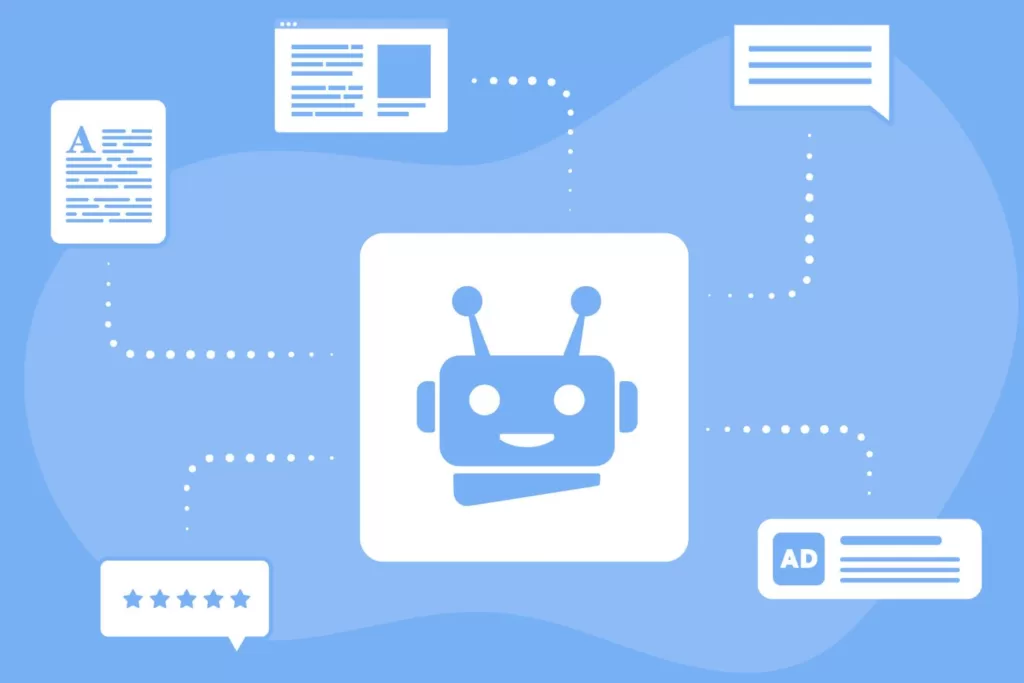
    Illustration of robot's face in the center, surrounded by content-writing related icons

    Looking to utilize artificial intelligence in your content strategy? Here are some key tips and tools to keep in mind.

    • Your chosen AI writing tool should never be your sole outsourcing solution for your brand’s content. Instead, it should act more as a writing assistant to come up with new topics to overcome writer’s block.
    • Research what other businesses are writing about to remain current with what’s being discussed.
    • Prioritize incorporating E-A-T best practices in the writing process.
    • Prevent having a “robotic” personality by adding your unique personal touch so your individual voice is heard.

    Contact Us for Your Content Writing Needs!

    Looking ahead, artificial intelligence and evolving marketing trends will undoubtedly help automate processes. However, if you look to add a personal touch that exemplifies your brand to target customers, it’s best to ensure that you are using the best practices when publishing the best—written content on your website. When you implement best practices, you will achieve the best results!

    Are you ready to jumpstart your content? We are here to help you reach the next level. Reach out to us today to craft your customized content plan that aligned with your needs and customers.

  • The Biggest SEO Trends to Watch in 2023

    The Biggest SEO Trends to Watch in 2023

    The Best SEO Trends to Align Yourself with for 2023

    Based on our research, here are our Top 12 SEO trends to watch and use in 2023:

    1. EEAT (Google’s quality rater guidelines):  This SEO tactic stands for Experience, Expertise, Authoritativeness, and Trustworthiness. This SEO trend indicates how page quality affects its rankings in Google search results.
    2. Audience Targeting: This SEO trend refers to enhancing relevance to the content you present for unique visitors.
    3. Increase Author Authority: You can achieve this by cultivating relationships, incorporating guest posting, making blog content readable and relevant, and leveraging keyword research.
    4. Producing High-Quality Content: This isn’t a new SEO trend, however, it is one that needs to be prioritized more than ever in 2023.
    5. AI Utilization: Utilizing artificial intelligence can play a key role in your SEO strategy, for example, ChatGPT (as mentioned in our previous blog here ) is recognized as the future of SEO for content creation.
    6. SEO Automation: In addition to AI Utilization, SEO Automation should be used through collaboration methods as it helps increase visibility across SEO platforms and tools.
    7. Changes to CTRs and SERP Positions: CTR measures how many people visit a website, while SERP refers to the number of impressions on a results page. Although different, they are very closely related.
    8. Improved Product Page: Having and maintaining an updated product page will ensure your SEO content remains relevant and improves UX and eCommerce brands.
    9. Competitor Analysis: Both on-page and off-page SEO experiences will play a role in how your SEO compares to other brands.
    10. Less Crawl Frequency: Google’s decision to reduce crawl frequency is inspired by reducing the number of resources that have environmental impacts- creating improved sustainability.
    11. Images and Alt Text: Schema markup, known as structured data, is the language search engines utilize to read and understand the content on your pages. Image SEO refers to the optimization of images to get more traffic. Google Image searches account for 22.6% of all searches. Leveraging this SEO trend can drive significant traffic to your site.
    12. High-Performing Website: Enhancing the user experience is significant for SEO (learn more) as producing high-quality content that is tailored for UX will make a huge impact.

    Other Things to Consider for the Future of SEO

    Illustration of a computer with analytics on the screen and a magnifying glass over it

    Along with the Top 12 SEO trends you should take advantage of in 2023, there are other factors that will influence the inner workings and long-term results of your business.

    It’s forecasted that:

    1. You can expect to see fewer organic clickthrough rates as Google utilizes it as a ranking factor. SERP results with a higher CTR are likely to improve, while SERP results with a lower CTR tend to decline.
    2.  Incorporate Blogger outreach and personal branding into your SEO: We all want to be seen as trustworthy experts in our chosen field. Creating a unique brand identity will influence your target audience, establish trust, and help you stand out from competitors.
    3. Implementing Mobile Functionality in SEO is critical as it enhances the overall experience for visitors, in addition to that mobile search simply generates more traffic.
    4. Driving Customer Retention significantly impacts overall SEO as retention represents customers who consistently pay your business for a product or service. The more customers you retain, the more the business will grow.
    5. Remaining Adaptable is key, especially in the ever-changing field of Digitial Marketing. If you remain abreast of evolving trends and circumstances, you will always remain on top.

    Our SEO Experts Stay One Step Ahead

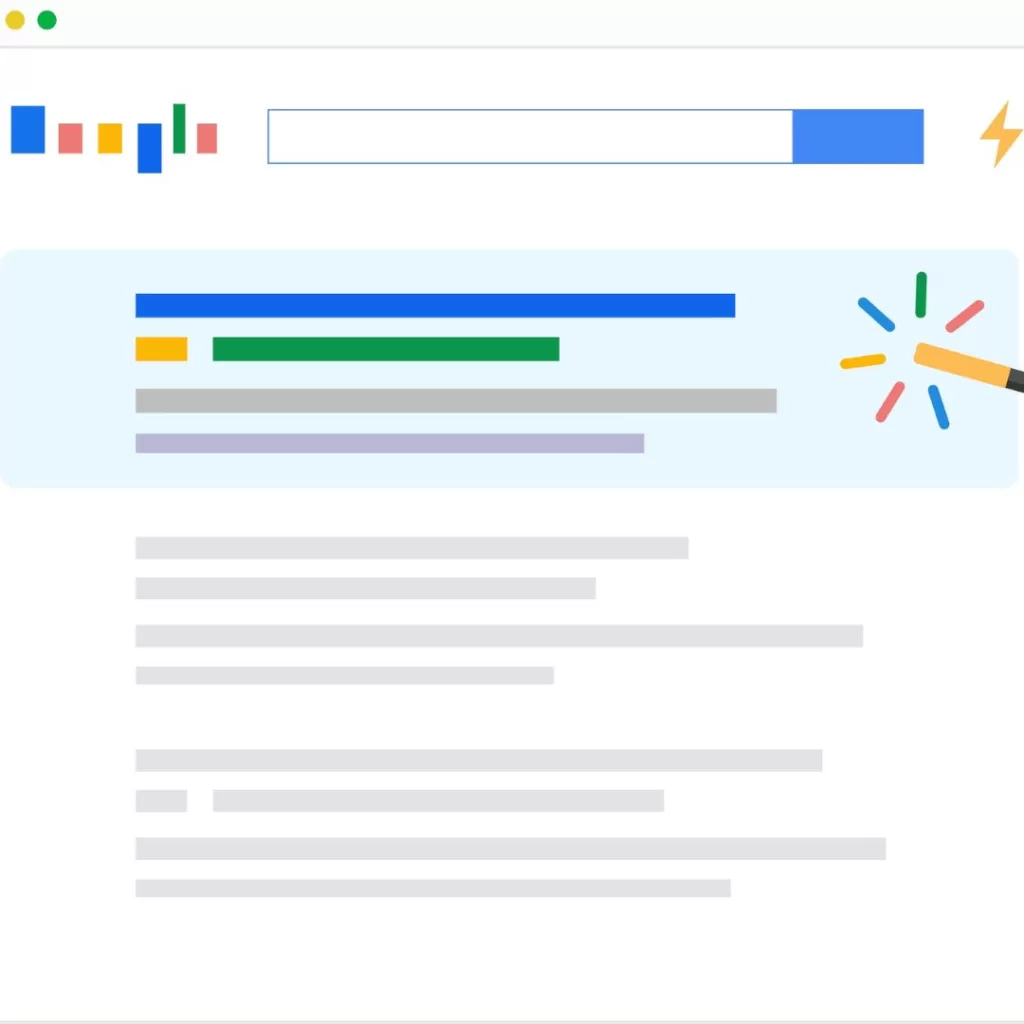
    Illustration of a google search results page with a wand highlighting a first page, first result search

    Well, there you have it. Take advantage of these new SEO trends in 2023 so you can reach the next level in your marketing strategy. Better yet, partner with our SEO experts who can get you there. Our team at Reach Marketing Pro are SEO strategists who utilize digital marketing resources to accelerate and optimize business growth. Instead of trying to do it yourself through countless hours of learning, modifying, and enhancing your existing SEO, let our team help you reach new levels.

    Contact us for our SEO experts to enhance your site today.

  • ChatGPT: What Is It and Is It Good for SEO?

    ChatGPT: What Is It and Is It Good for SEO?

    What is ChatGPT?

    ChatGPT, Generative Pre-trained Transformer, developed by OpenAI, is a large learning model that uses artificial intelligence (AI) and substantial data to interact with users through forms of interactive conversation. ChatGPT doesn’t just make small talk, it conducts follow-up questions acknowledges mistakes, and rejects inappropriate requests. Many content writers utilize ChatGPT to help create better SEO-focused content, which in turn drives more traffic to a website and drives sales by presenting more relatable content to customers.

    The Benefits of Using ChatGPT

    Illustration of a woman sitting at a desk reviewing analytics

    Take advantage of what ChatGPT has to offer, including:

    Search Engine Optimization (SEO) Benefits:

    • ChatGPT reduces the number of abandoned carts by answering and addressing customer questions.
    • Drives sales by providing faster customer service and enhanced customer support.
    • Improves SEO Capability across all web content, which boosts the user experience (UX).
    • Promptly responds to customer queries on both the website and social platforms.

    Content Writing Benefits:

    • ChatGPT’s AI tool ideates new messaging based on your brand.
    • It saves time and allows you to focus on more important tasks, increasing productivity.
    • Drives website traffic due to producing more relatable content and improving SEO.

    How Does ChatGPT Work?

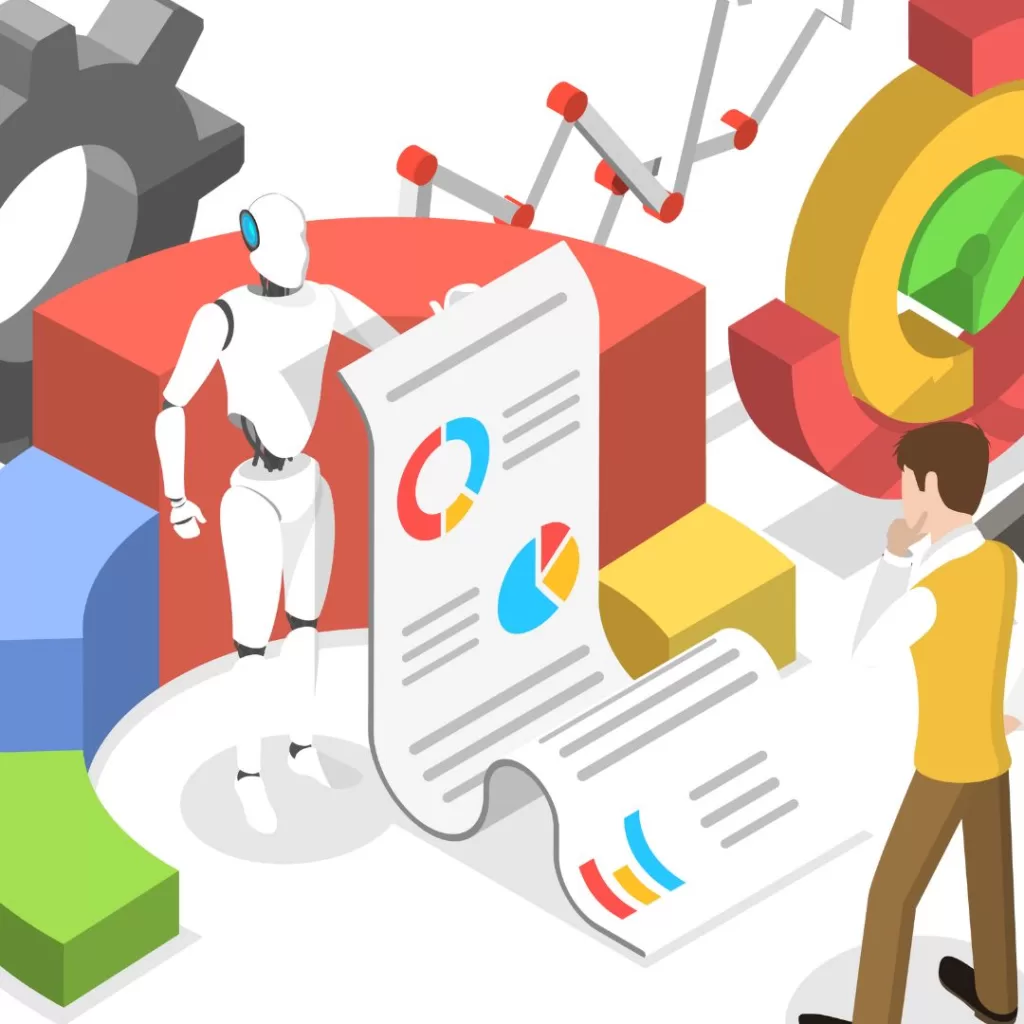
    Illustration of a man and a robot looking at analytics

    Like all AI, it works in the form of an intelligent bot that is programmed to understand what people are looking for and write responses in a way that helps them. For example, ChatGPT can automatically respond to customer queries via your website or social media pages, can provide better support to your customers, free up time for more important tasks, and increase sales.

    You would think such an intelligent tool would cost an exorbitant amount of money to use it. Surprisingly, ChatGPT is a free service with opportunities to use a paid version that has more features. In addition to ChatGPT, it incorporates another language called InstructGPT that is trained to take directions from humans and long-form answers to complex questions.

    Considerations When Using ChatGPT

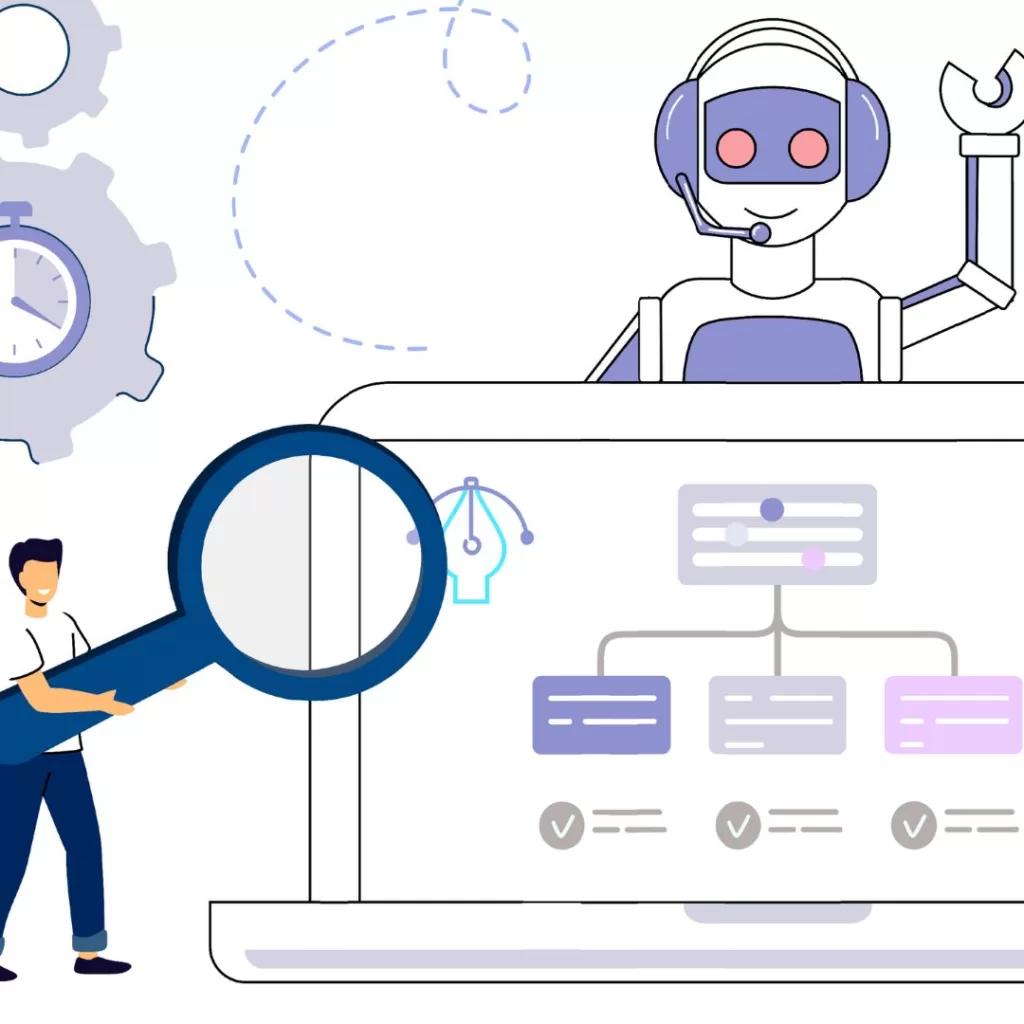
    Illustration of a man in front of a laptop with a sitemap and a robot assistant above him

    Although SEO AI tools come with their own set of unique benefits, such as saving time and increasing traffic to your website by targeting a specific audience, it comes with its own share of downsides.

    • First off, ChatGPT avoids specific types of content that are considered violent, explicit sex, and harmful. It is specifically programmed to not generate text for those types of topics to prevent negative content from hitting the market.
    • Second, ChatGPT is limited to only the information that it contains in its current form. If your content needs to be updated based on current events, then ChatGPT would not be useful.
    • ChatGPT comes with its own set of programmed biases, so with that said if you desire a different ending than what the SEO AI tool provides, guide ChatGPT so that it makes the correction.
    • Like in the previous bullet above, ChatGPT is a brilliant SEO AI tool, however, it is not a mind reader. You should still craft relevant content that requires a great deal of detail and direction to do the job right.
    • One unique fact about ChatGPT is that it contains invisible watermarking, meaning that if someone accessing a document and has the key, they are able to see if it was generated by AI. Normally, the digital watermark key or “code” would be in the form of punctuation or specific word choice.

    Checkout This ChatGPT Ad with the One and Only, Ryan Reynolds

    Animation of a hand holding a cell phone with a mint-green background

    Who doesn’t love the humorous and cheeky Ryan Reynolds? Always putting his own unique stamp on his personal branding, this time he let ChatGPT take the wheel. Check out this ChatGPT ad featuring Ryan Reynolds for Mint Mobile to see it in action.

    Let Our SEO Experts Handle ChatGPT for You!

    It’s certain that the future of marketing and customer strategy will incorporate a heavier use of artificial intelligence (AI) tools such as ChatGPT. When used efficiently, these innovative tools will generate the results you want. However, using them can be overwhelming without proper planning or training. Rather than trying to navigate on your own, we have an experienced team of search engine optimization (SEO) experts that deliver guaranteed results.

    Put your AI in our hands and contact us to implement ChatGPT today!